What it does
- Auto-detects quest items
- Cycles on each press
- Bind shown on the button
Needs WickCore, the shared base every Wick addon draws from. CurseForge installs it alongside.
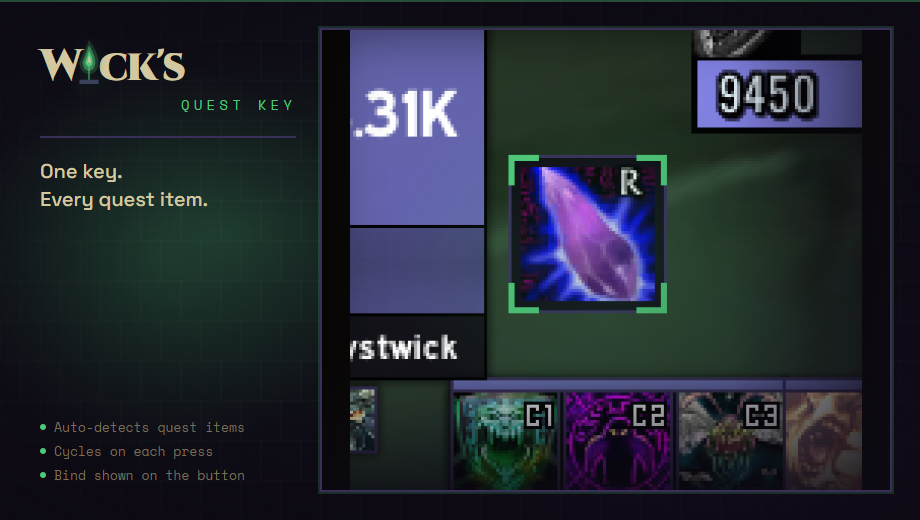
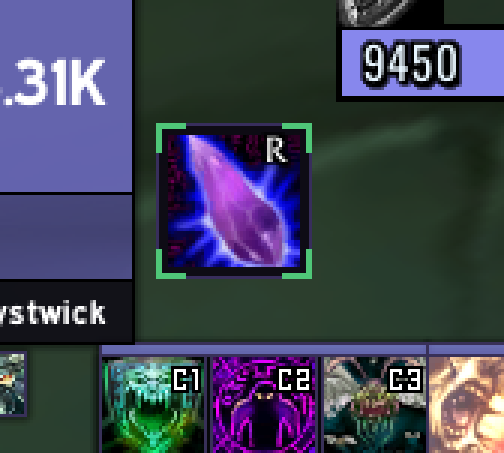
In game
Latest changes
1.1.1 2026-11-15
- Shows in the game's addon list with an icon and the two-tone Wick title, under a Wick's Mods heading.
1.1.0 2026-10-03
Added
- The button draws in WickCore's chrome: its colours, border and corner marks come from the look and theme chosen under Wick's Mods in the game's Options, and follow a change at once.
- A settings page of its own under Wick's Mods: unlock and drag, or put the button back in the middle. With Wick's UI loaded the page says its movers place it instead. The suite's launcher opens the page.
- Chat lines carry the theme's accent colour.
Changed
- Wick's Quest Key now needs WickCore, which is in the same download as the rest of the suite. Without it the addon says so once at login and does nothing else.
- With Wick's UI loaded, the button is one of its movers: /wui move drags it with everything else, and it starts where you had it. The addon's own unlock, move and reset commands point there while it is.
1.0.4 2026-10-01
Fixed
- Loads on the 2.5.6 client without being marked out of date. The addon now lists interface 20506 alongside 20505.
The full changelog is in the repository.
More from the suite
Wick's BagsWick's Beasts and ThingsWick's CD TrackerWick's Combat LogWick's ComfortsWick's Demons and ThingsWick's GearWick's LedgerWick's Macro BuilderWick's MapWick's Poisons and ThingsWick's RemindersWick's Seals and ThingsWick's Stances and ThingsWick's StatsWick's SurvivorsWick's TBC BIS TrackerWick's Totems and ThingsWick's Trade HallWick's Travel FormWick's UIWick's Wardrobe